
Preview your video. Before you commit.
AI suggests camera moves from your photos. Preview the plan for free, then decide.

Photos in. Videos out.
- 01
Pick your photos.
Use the listing photos you already have.
- 02
Preview for free.
AI suggests the moves. Adjust them if you like.
- 03
Make your video.
Approve the cost. Generate your video for socials or ads.


AI suggests. You’re in control.
Try an estimated camera preview. The final AI video may differ.
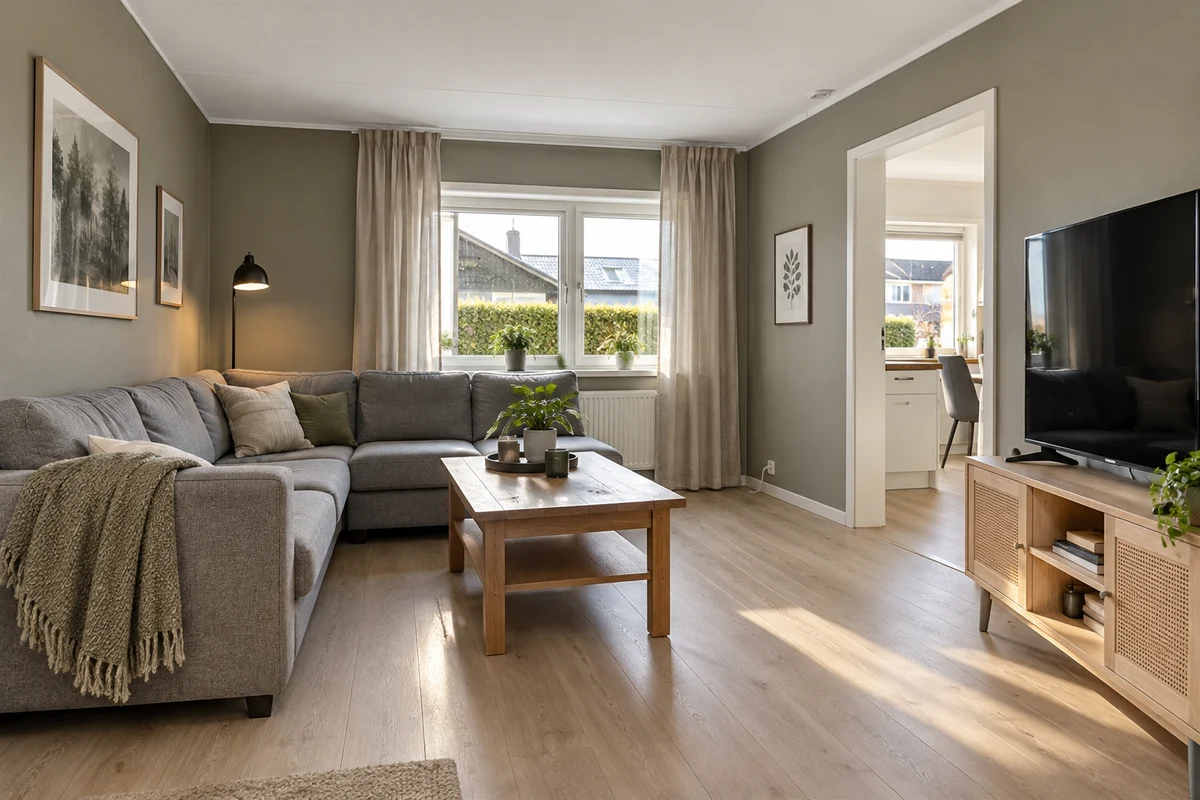
Drag the frame or use its arrow keys to adjust it. Choose Start or Finish to edit that point.
Estimated camera movement on sample photos, not a finished AI video.
Next: finish in ChatGPT.
Soon, continue your ListingRush video in ChatGPT from your phone or computer.
Explore ListingRush in ChatGPT

New videos. No new shoot.
Use your photos, or book a video shoot.
| Compare | ListingRush ProAllocated cost | Media ServiceExample quote |
|---|---|---|
| Cost | $39.5020 seconds · one format | $350On-site walkthrough video |
| What you use | Use photos you already have | A crew on site |
| Your control | Preview before generating | Agree the shot list with the crew |
| Turnaround | Processing time varies | 48–96 h |
Good to know.
What does the free preview show?
An estimate of camera movement—not the finished AI video. This page uses sample photos; final results may differ.
Can I use my existing photos?
Yes. Upload the original, high-resolution files for the best starting point.
What does AI fill preview show?
It estimates what the photo covers and which gaps AI would need to fill. The final AI video can differ.
Can I make the video in ChatGPT?
The ListingRush plugin for ChatGPT is coming soon. For now, plan and generate your videos directly on ListingRush.
When do I spend credits?
Previewing the plan is free. Credits are used only after you approve the quoted cost. Formats and options can change the total.
Where can I use the video?
Choose vertical for Reels and TikTok, or landscape for listings and your website. Download it and post it yourself.